> ## Documentation Index
> Fetch the complete documentation index at: https://docs.subtrakr.app/llms.txt
> Use this file to discover all available pages before exploring further.
# Create Your Account
> Get started with Subtrakr by creating your account - sign up with email or Google authentication
## Step 1: Sign Up
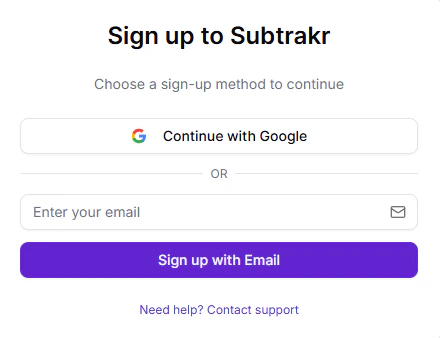
Go to the [Subtrakr sign-up page](https://tracker.subtrakr.app/auth/sign-up).
Register using your email or continue with Google Authentication.
 ## Step 2: Verify Your Email
After signing up with email, you will receive a login link in your inbox.
Click the link to verify your email address.
## Step 3: Complete Your Profile
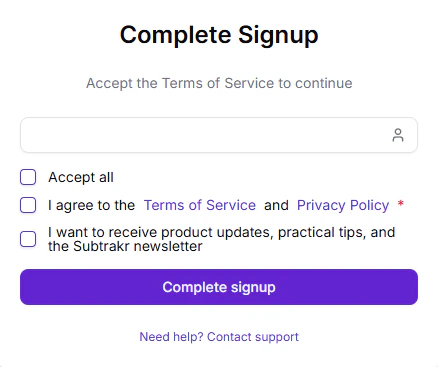
Once you click the login link, you will be navigated to a complete signup page where you can finish setting up your account.
## Step 2: Verify Your Email
After signing up with email, you will receive a login link in your inbox.
Click the link to verify your email address.
## Step 3: Complete Your Profile
Once you click the login link, you will be navigated to a complete signup page where you can finish setting up your account.