Subtrakr home page
Search...
⌘K
Support
Start tracking
Start tracking
Search...
Navigation
Getting started
Create Your Account
User manual
Blog
Getting started
What is Subtrakr?
Who is it for?
Create Your Account
Tour of the Dashboard
Managing Subscriptions
Add a Subscription
Edit or Update a Subscription
Cancel or Delete a Subscription
Tag Your Subscriptions
Filter Your Subscriptions
Tracking & Insights
Reports Overview
Account-Level Reminder Settings
Settings
Account Settings
Support & Troubleshooting
Frequently Asked Questions (FAQ)
Contact Support
On this page
Step 1: Sign Up
Getting started
Create Your Account
Copy page
Get started with Subtrakr by creating your account - sign up with email or Google authentication
Copy page
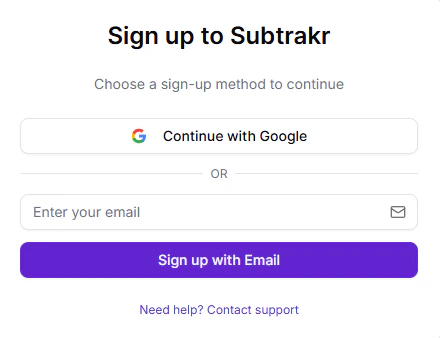
Step 1: Sign Up
Go to
tracker.subtrakr.app
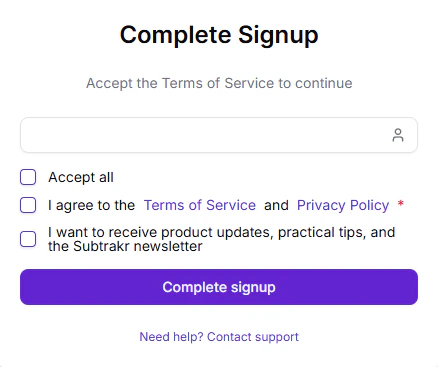
Register using your email or continue with Google Authentication.
After signing up with email, you’ll receive a login link.
Who is it for?
Tour of the Dashboard
⌘I