

Profile header
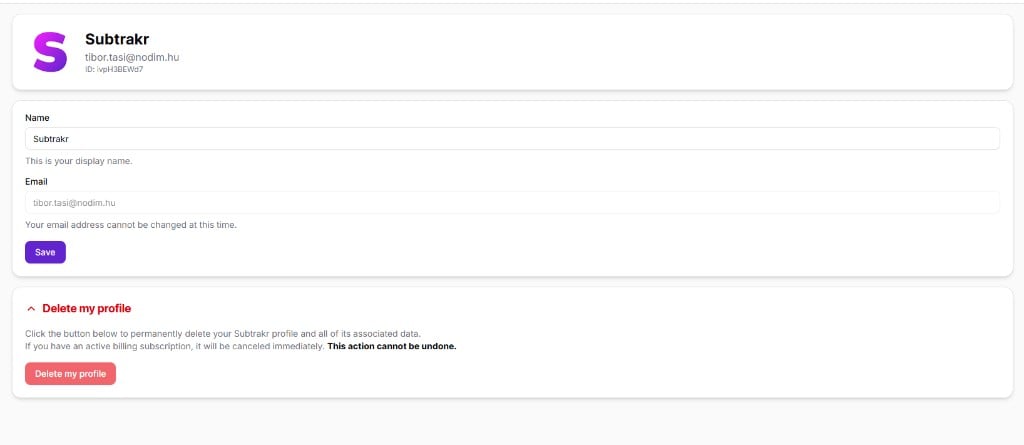
At the top of the page, you see a summary of your account:- Your profile icon
- Name – Your display name
- Email – The email address linked to your account
- ID – Your unique Subtrakr profile ID
Profile details
In the profile section, you can update your display name.- Name – How your name appears in the app. Click Save to apply changes.
- Email – The email used for login and notifications. This cannot be changed at this time.
Delete my profile
At the bottom of the page, expand Delete my profile to permanently remove your Subtrakr account. Click Delete my profile to open a confirmation dialog. The dialog explains that deleting your profile permanently removes:- Your user data
- Spaces where you are the sole owner, including all associated data (filters, reminders, subscriptions, and more)
- Your billing subscription and its payment history, if you have one